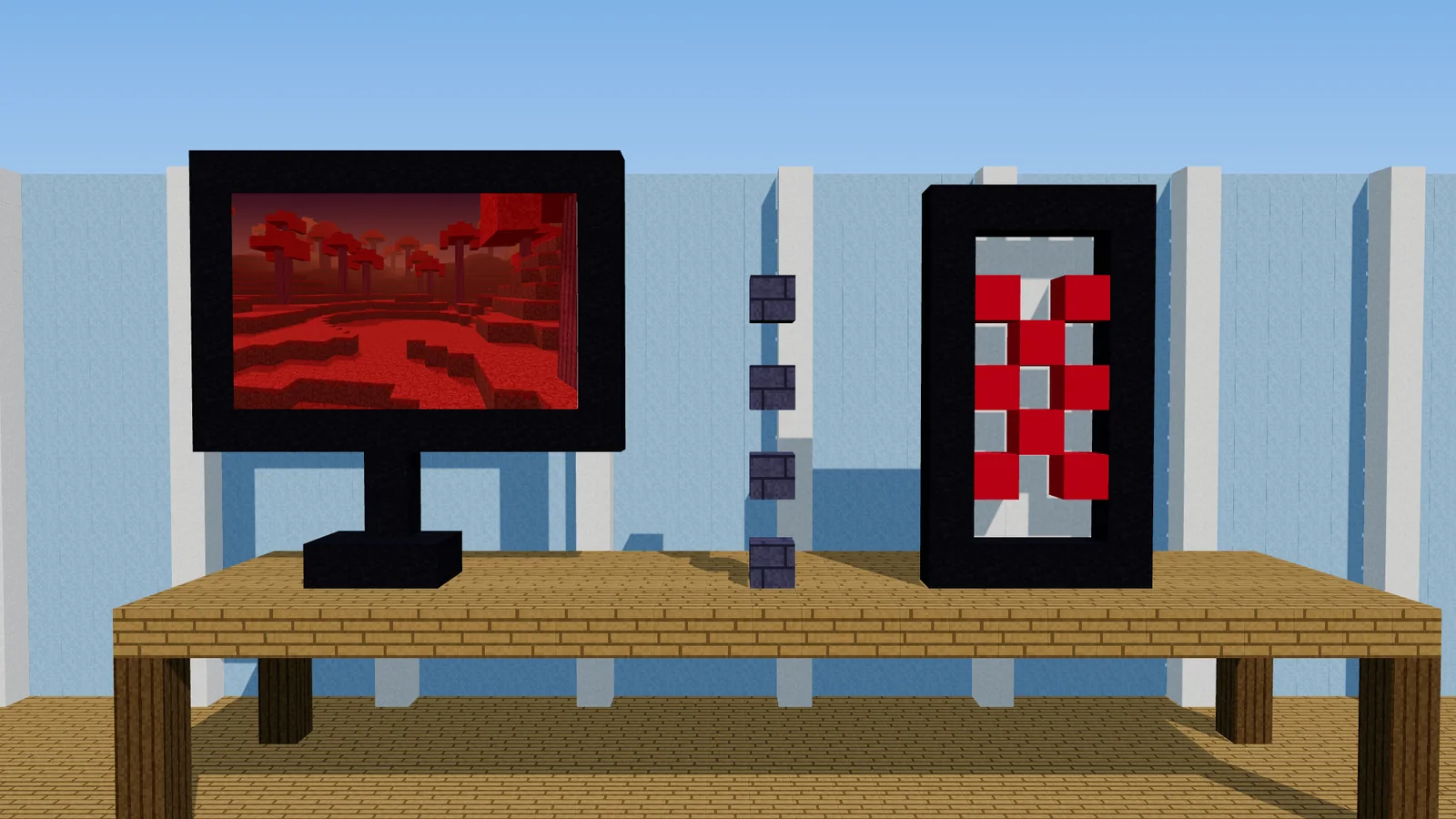
The edition of Minecraft determines which extensions it can run. A portal-themed Bedrock map or add-on may offer its own mechanics, but it is a separate implementation with its own features and compatibility requirements.
Why Java mod files do not work on Bedrock
Fabric, Forge and NeoForge mods run within Minecraft Java Edition and depend on its code and loader interfaces. Bedrock uses resource packs, behavior packs and supported scripting APIs. Renaming a Java JAR or ZIP to a Bedrock pack extension does not convert its code or make the game recognize it.
What Minecraft PE means today
Minecraft PE commonly refers to the mobile versions within the Bedrock Edition family. Android and iOS installations follow Bedrock add-on requirements rather than Java mod-loader instructions. Check the edition displayed by your game before following a tutorial or choosing a portal package.
Evaluate MCPEDL and other Bedrock packages
For a Bedrock portal add-on, verify the creator, supported game version, required packs and installation instructions. Check whether experimental features are required and whether the advertised behavior is demonstrated in gameplay. A similar project name does not establish a connection to the Java mod or its developers.
Compare mechanics before choosing an add-on
Distinguish teleport commands and portal-themed textures from a live view of another location. Check whether a package supports actual traversal, multiplayer and the platform you use. Screenshots alone may not show these differences, and Java features should not be assumed to exist in a Bedrock recreation.
Choose instructions for your edition
For Java Edition, use a compatible loader and a release built for that loader. For Bedrock on mobile, Windows or supported consoles, follow the installation method available on that platform. Back up the world before enabling unfamiliar packs, particularly when their requirements change world settings.
Confirm the edition before following installation instructions
Start by checking the edition in the launcher or game information, especially on Windows where players may have access to more than one edition. A tutorial showing a Java launcher profile is describing a different installation path from a Bedrock tutorial importing packs. Device type alone does not explain every setup, so use the edition and version actually running. Once that is clear, compare the package requirements with your game. This simple check prevents a lengthy installation attempt using incompatible files and helps you choose instructions that describe the menus and supported extension system available to you.
Separate portal appearance from portal behavior
Portal-themed content can describe several different experiences. A resource pack may change an existing portal texture, a map may use command-based travel, and an add-on may implement its own interaction system. Evaluate the demonstrated behavior rather than assuming these are equivalent. Ask whether you can see a live destination, move through a connection directly and return reliably. Also check whether the effect is available in an ordinary world or only inside a supplied map. A clear understanding of the advertised behavior is more useful than comparing project names or relying on a dramatic thumbnail.
Assess a Bedrock package before enabling it
Read the package description for its supported Bedrock version, required resource and behavior packs, installation sequence and known limitations. Check whether the creator provides release notes and explains dependencies. If a demonstration uses experimental settings, establish which settings are necessary and whether your intended world can support them. Keep a copy of that world before enabling unfamiliar content. A package that imports successfully has passed only the first check; it still needs testing in gameplay. Test a new world first so an import or configuration mistake can be corrected without affecting an established save.
Use a practical comparison checklist for alternatives
Write down the features that matter for your project before choosing an alternative. For a travel hub, reliable destinations and return routes may matter more than visual similarity. For an adventure map, predictable triggers and support for multiple players may be essential. For a visual showcase, destination views and presentation may be the priority. Compare each package against those requirements using its documented behavior. Do not assume every portal concept needs the same implementation. Selecting an add-on that fits a specific purpose produces a more dependable result than expecting a different edition to reproduce an entire Java mod feature set.
Test multiplayer and platform limitations separately
If the intended world is shared, repeat the test with another player rather than relying on a single-player demonstration. Check that each participant sees the required content and that destinations behave consistently. Confirm whether the package can be installed through the method supported by the platform where the world will run. A workflow available on one device may not be available on another. Keep the test separate from the main world until the host and participants can join, travel, return and reconnect without losing the intended behavior. Record any required settings with the world preparation notes.
Avoid file renaming and unsupported conversion shortcuts
A filename extension identifies packaging; changing that name does not rewrite the program inside it. If instructions suggest that a Java mod can become a Bedrock add-on by renaming a file, compare that claim with the actual requirements of both platforms. Expect an authentic port or recreation to explain its supported edition, installation format and limitations clearly. Keep original files and do not overwrite a working world while experimenting with uncertain instructions. When the available evidence describes only a Java release, treat Bedrock compatibility as unestablished rather than assuming a conversion step must exist somewhere.
Choose the next step based on the experience you want
If the goal is specifically to use the Java Immersive Portals project, plan around a supported Java Edition environment and its required loader. If the goal is a portal-based adventure on Bedrock, compare Bedrock-native content according to the features you need. These are different decisions with different installation requirements. Keeping that distinction clear helps avoid unnecessary downloads and unrealistic expectations. Preserve a record of the package version, settings and world used for testing so later updates can be checked against the same experience instead of relying on a general impression from an older demonstration.
Conclusion
Immersive Portals Java mod files are not a Bedrock or Minecraft PE installation method. Start with the edition you actually use, then evaluate a package by its own format, documented features and supported game version. Portal-themed Bedrock content can still be useful for a specific build or adventure, but it should be assessed as an independent implementation. Test a disposable world, confirm any multiplayer requirements and keep backups before enabling unfamiliar packs. Accurate expectations make it easier to choose content that fits your platform and intended gameplay.
Java Edition mods and Bedrock add-ons are separate formats. Check the edition first, then evaluate the features of the specific package.